Ordivis Platform detects devices on the network and reconciles Active Directory – scheduled, in the background and strictly read-only. Projected attributes are marked read-only so that manual maintenance cannot silently overwrite them.
# Discovery run (scheduled, in the background)
Run  daily 03:00

Network 10.20.0.0/16   412 reachable
 ├─ newly created        7 CIs
 └─ updated        96 CIs

Active Directory        read-only
 └─ user accounts      1,284 upserts
Write accesses into AD  0
IT discovery means the automatic detection and continuous updating of the IT inventory – through network scans and the integration of directory services.
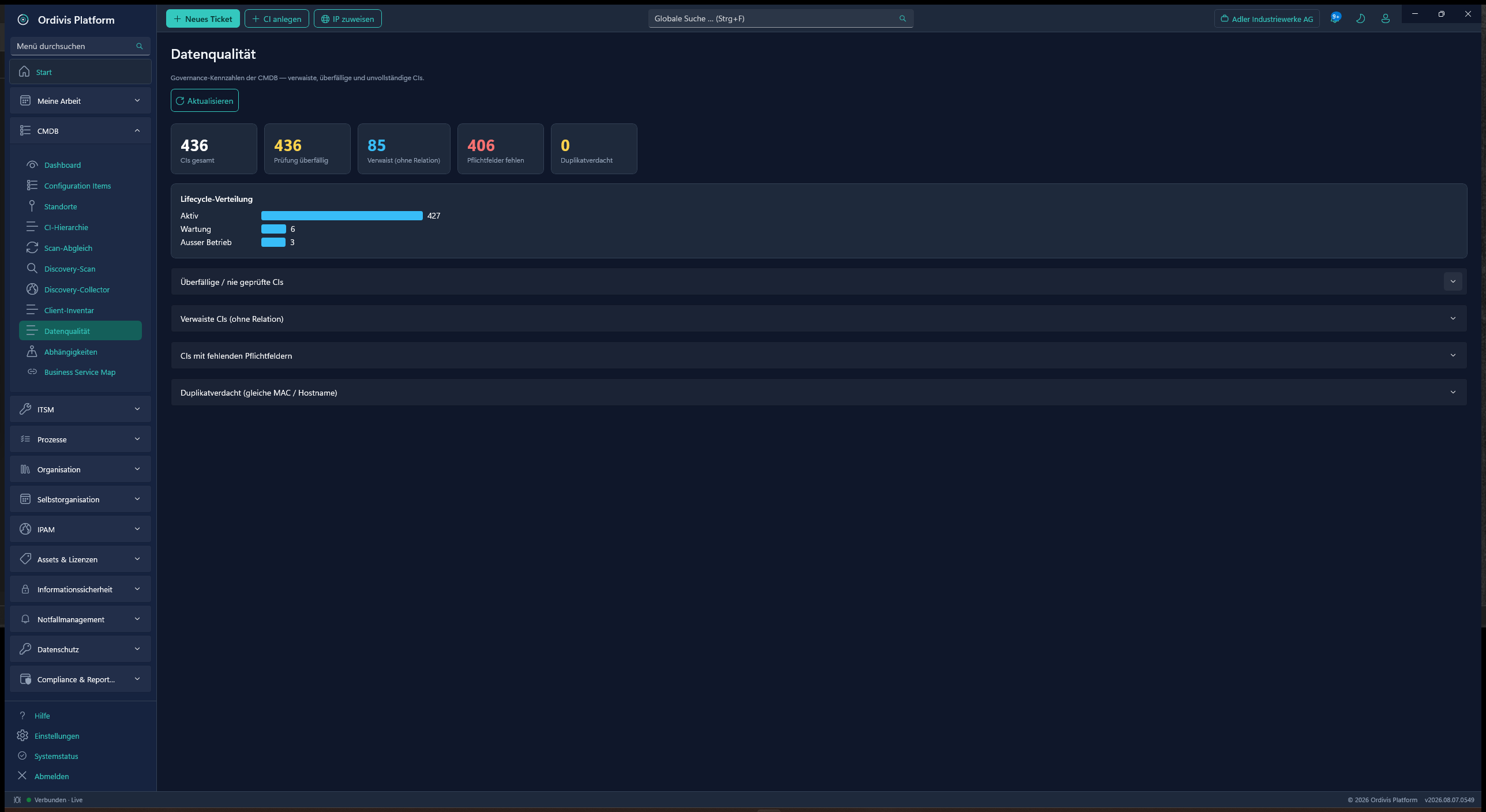
The decisive word is „continuous“. A one-off import fills a CMDB and solves nothing by itself: manually maintained inventories go stale within months, because adding things later is always the task that gets left. Discovery only becomes useful once it carries the inventory forward – and makes it visible which field comes from a machine and which by hand.
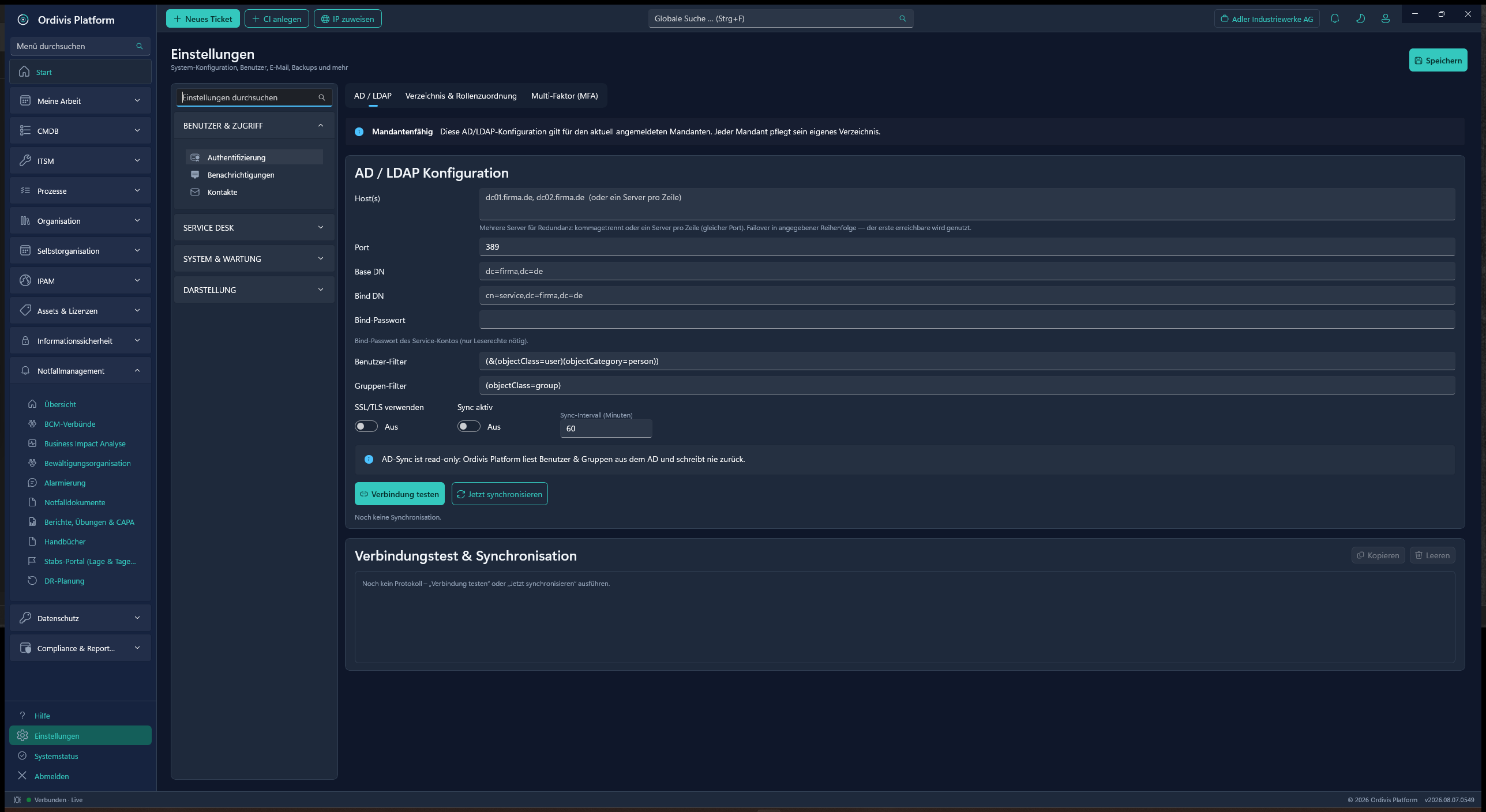
The Active Directory and LDAP reconciliation in Ordivis Platform is strictly reading. There are no write accesses into the directory – not as an option, not as a configuration switch.
That is a deliberate decision with two effects. Technically, a misconfiguration in Ordivis cannot damage your identity infrastructure. Organisationally, approval by those responsible for AD comes considerably more easily when the requesting system demonstrably can only read – in our experience the most common reason why directory integrations sit unfinished for months.
Detection runs as a background task in the API service, decoupled from the requests of the user interface. A longer-running scan across a large network therefore does not block the response times of the service desk. For networks the central server cannot reach at all there is the discovery collector: a separate Windows service with its own installation package that sits in the target network and reports its findings to the central system.
A field that comes from a source is marked on the configuration item as read-only and is overlaid at runtime. That makes it clear at a glance what comes from a machine – and manual maintenance cannot overwrite it unnoticed. Exactly this silent overwriting is the usual reason why discovery results and the documented state drift apart after a few months.
The scans run as a background task in the API service – no additional service, no additional installation. Long runs do not block the service desk.
Strictly reading directory reconciliation – no write accesses, audit-proof. That makes approval by those responsible for AD easy.
A reachability check and MAC capture on the network – the basis for inventory reconciliation and IP address management at the same time.
Configuration items are created and updated instead of imported once. The CMDB stays close to reality without manual work.
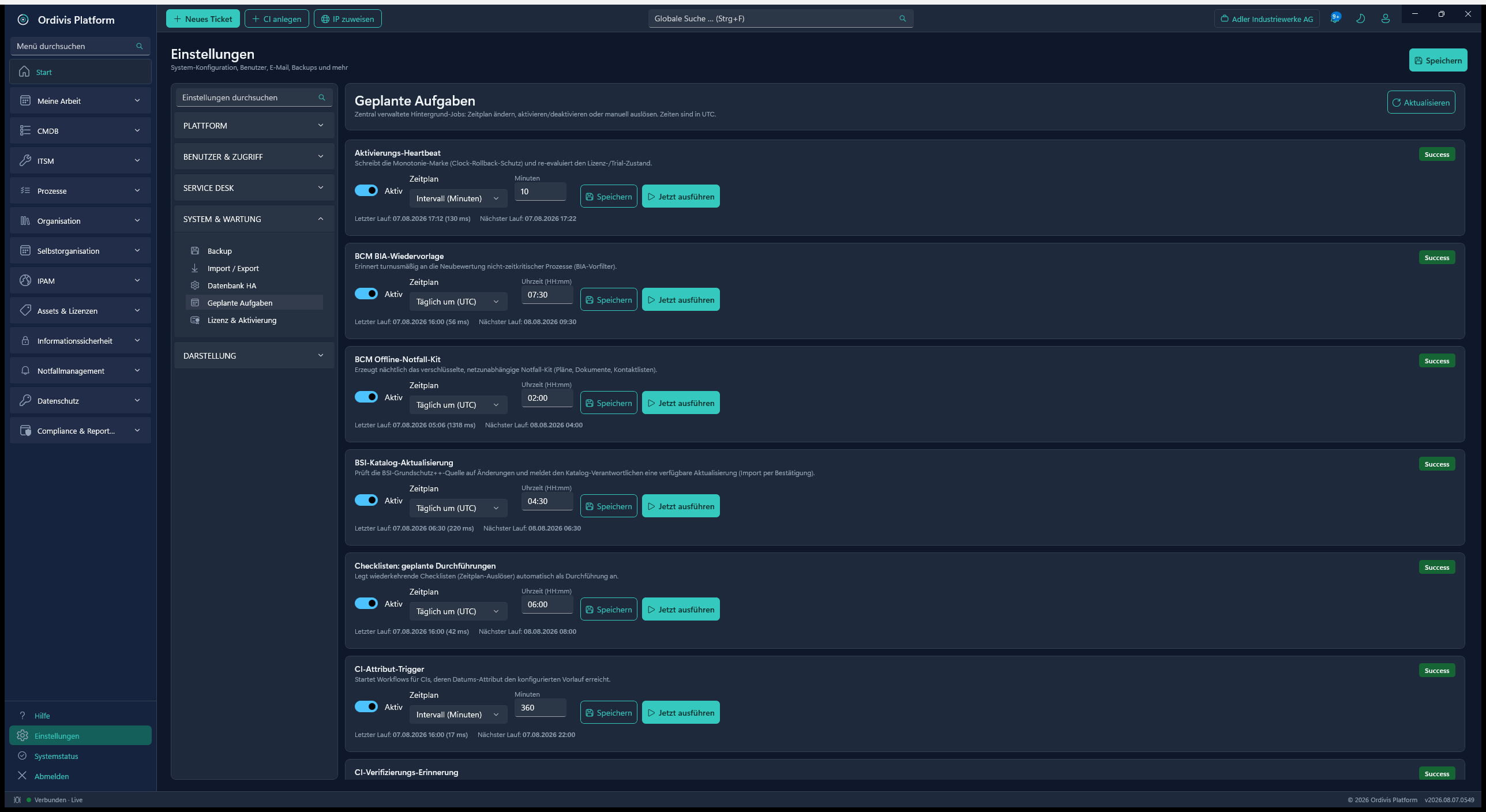
Recurring execution on a schedule through the managed job scheduler – at night, weekly or however it fits your maintenance window.
A dedicated CI class „user account“ takes in AD and local accounts. Assignments of assets, tickets and rights thus become traceable in one place.
IT discovery means the automatic detection and continuous updating of the IT inventory – through network scans and the integration of directory services. The purpose is not the one-off import but carrying it forward: a CMDB maintained by hand goes stale within months.
No, and that is a deliberate architectural decision. The AD and LDAP sync is strictly read-only – there are no write accesses into the directory. That way a misconfiguration in Ordivis Platform can never damage your identity infrastructure, and approval by those responsible for AD comes considerably more easily.
Yes, as a background task in the API service – but decoupled from the requests of the user interface, so that a longer-running network scan does not affect the response times of the service desk. A separate Windows service is only needed for remote networks: the discovery collector with its own installation package.
Machine-projected attributes are marked read-only on the configuration item and are overlaid at runtime. That makes it visible which field comes from the source, and manual maintenance cannot overwrite it unnoticed – the most common reason why discovery results and documentation drift apart.
On a schedule, through recurring scheduled runs. The user projection from the directory, for example, runs regularly as an upsert per account, so that new and changed accounts are carried forward without intervention.
Yes. There is a dedicated CI class „user account“ into which both AD and local accounts are projected. Assignments of assets, tickets and permissions can thus be traced in the same place as the rest of the landscape.
The goal of inventory maintenance: configuration items with relations and impact analysis.
Recorded installations are the basis of the licence compliance balance.
A network scan and MAC capture keep the address management current too.
From the network scan through the AD reconciliation to the read-only attribute – in a demo by video call.